You choose an area; Sophea loads the objects of the Dutch Key Register of the Subsurface (BRO) in that area and answers your questions about them with charts, maps, well diagrams and time-series models.
StepChoose an areaA circle, a municipality, your own shape or a shapefile.
StepSophea loads the BRO objectsYou see the progress per object type.
StepAsk your questionIn plain language, as you would ask a colleague.
StepModel and judgeWith Pastas, and the judgement stays with you.
Step 01 · Area
Choose an area
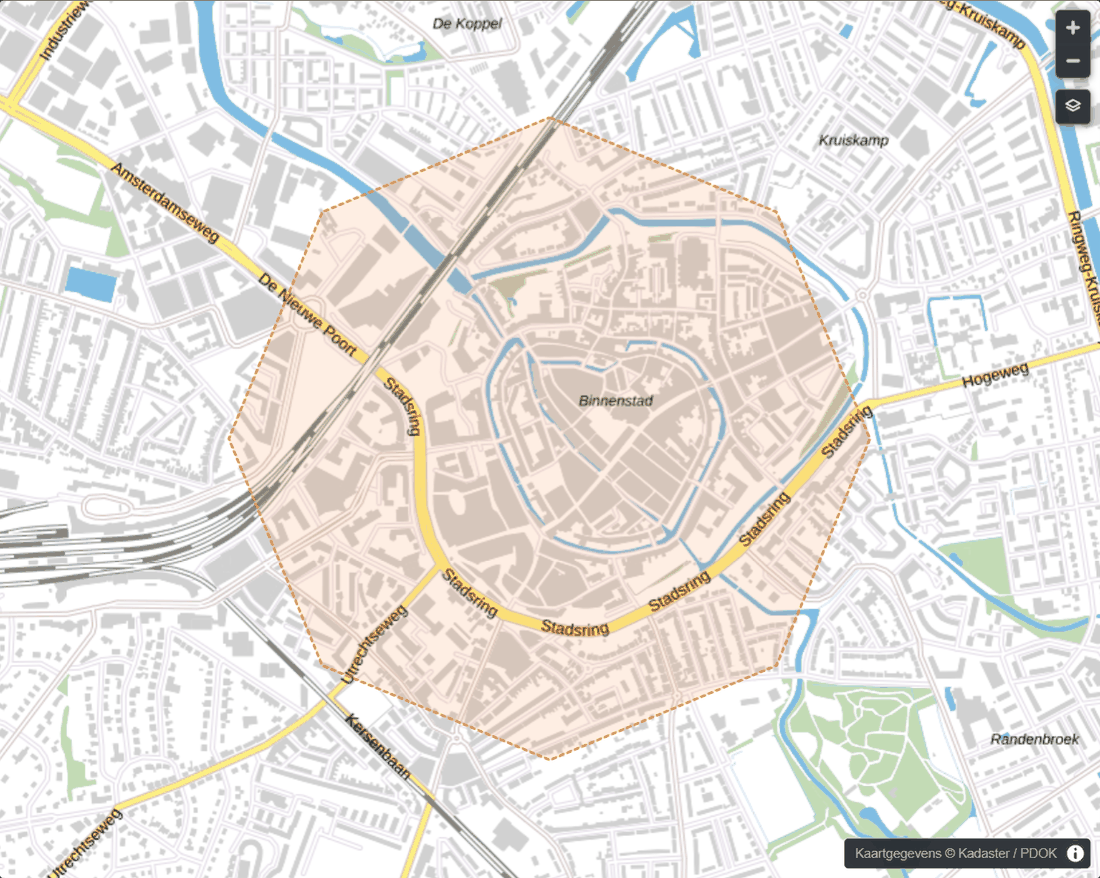
Choose your area the way that suits you: a circle, a municipality, a province, a water board, a drinking-water company's supply area, a shape you draw or a shapefile.
Or choose an organisation: the wells it has registered in the BRO as bronhouder (the public body responsible for the registration), anywhere in the Netherlands.
Your shapefile stays on your computer: Sophea reads it in the browser and sends only the outline.
Public BRO data
Drawing an areaSophea with public BRO dataSophea with public BRO data; detail of the screen
Step 02 · Load
Sophea loads the BRO objects
A small area is ready within minutes; a province or a large organisation loads in hours, the largest over several days, and continues by itself after a pause.
While loading you see the progress per object type. A large organisation's data arrives in batches, and each batch is usable straight away.
Registered objects only; what the BRO has deregistered, Sophea does not load. What one user loads is ready for the next.
Ask your question in plain language, as you would ask a colleague. Sophea answers with text, tables, charts, maps and well diagrams, and shows the wells the answer is about on the map beside the chat.
Sophea names the well and its BRO id in its answers, and keeps provisional and approved values apart. Always check the source yourself. Every answer is marked as AI-generated.
For example:
Which wells have the highest winter levels?
How does this summer's lowest level compare with the ten-year average?
Which wells in this area belong to which monitoring network?
The judgement stays with the hydrologist.
The judgement stays with the hydrologist.
Step 04 · Model
Model and judge
Time-series models with Pastas on the groundwater levels in the BRO, with precipitation and evaporation from the KNMI (the Royal Netherlands Meteorological Institute).
Basic judges the model in plain words: one verdict, our checks at a glance, and what to do when something is off. When the model looks ahead, that is a model estimate for dry, average and wet weather, only as reliable as the model itself.
Sophea only reads: it never changes, registers or delivers BRO data. You deliver and correct with Dawaco Phrea™.
In Sophea: GMW, GLD, GAR, GMN, FRD and BHR-GT by default; CPT, GUF and GPD as options. Not in Sophea: BHR-P, BHR-G, REGIS and GeoTOP, and the other BRO registration objects. What the codes mean.
Look at the BRO data for your area
Access to Sophea is by invitation: Dawaco sets up each organisation and its users.